Latest posts
-
Beyond the Bloat: Why Embla is the Only Carousel You Should Use for WordPress & React in 2026
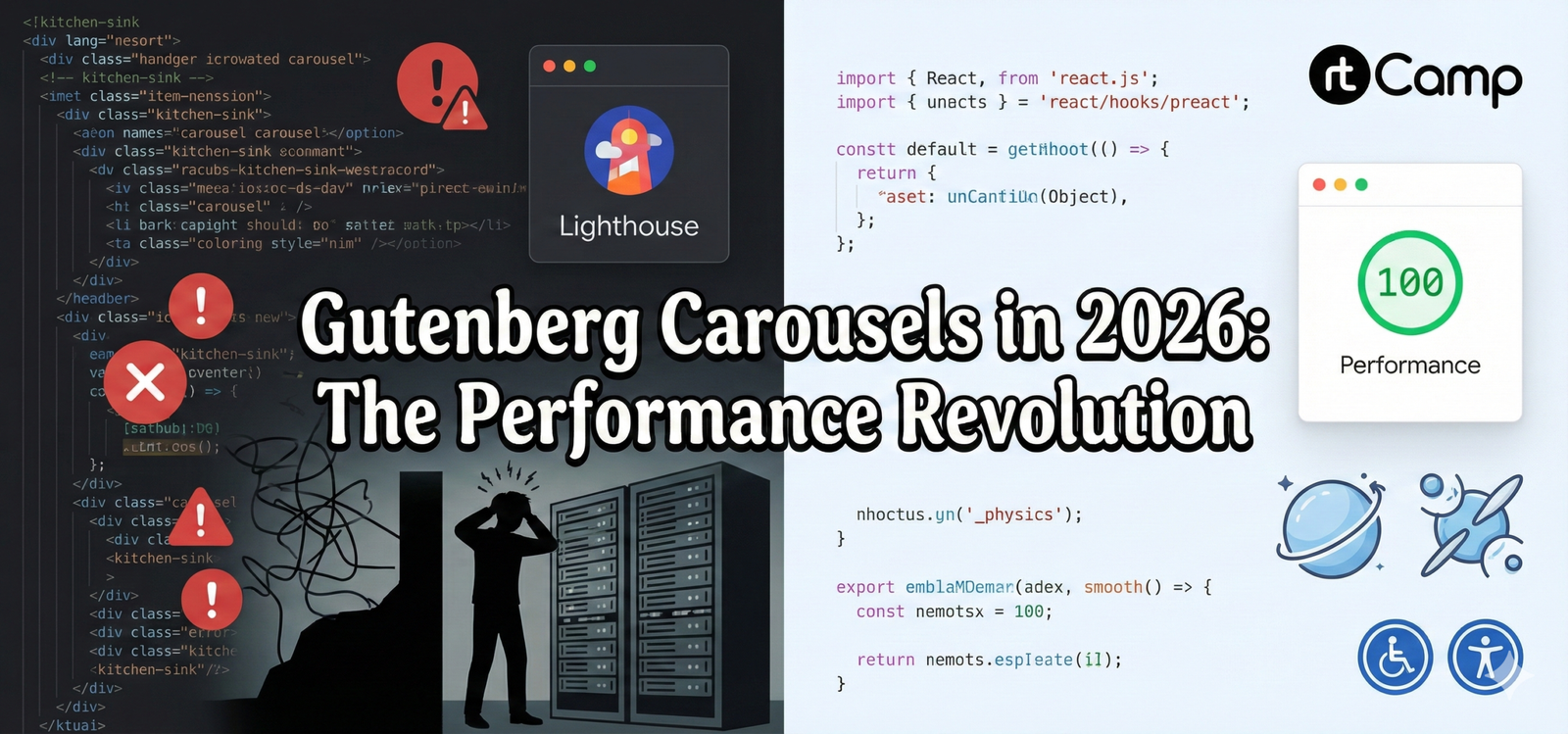
If you’ve spent any time building custom Gutenberg blocks, you know the “Carousel Curse.” You find a library that looks great in a demo, but the moment you drop it into the WordPress editor, your Lighthouse score plummets, and your console fills with layout shift warnings. You end up in a deep rabbit hole—and climbing…
-
Building a Searchable Taxonomy DropDown Component for WordPress Gutenberg
In this blog post, we’ll dive deep into the creation of a customizable, searchable dropdown component for selecting terms from custom taxonomies in a WordPress Gutenberg block. This component is particularly useful for projects that require users to filter or select terms dynamically, enhancing the user experience and making content management more intuitive. Overview of…
-
Building a Custom Autocomplete Dropdown with WordPress FormTokenField
In modern WordPress development, enhancing user experience (UX) for custom components often involves handling data from custom post types and ensuring a smooth and responsive interface. In this technical tutorial, we’ll explore how to create a custom autocomplete dropdown using WordPress’s FormTokenField for a tag-like movie selection with added “Load More” functionality. We’ll be focusing…
-
Understanding Blocks in WordPress: Server-Side vs Client-Side Rendering
Dynamic blocks in WordPress offer flexibility by allowing the block’s content to be rendered dynamically, as opposed to static blocks which have a predefined structure and content. This approach is essential when working with content that needs to be updated based on external data or user interaction, such as displaying the latest posts or filtering…
-
Understanding React: Virtual DOM, Components, and Lifecycle Management
React is a popular JavaScript library for building user interfaces, primarily for single-page applications. Its efficient handling of the UI updates through the Virtual DOM, component-based architecture, and state management are some of the features that set it apart. In this blog post, we’ll dive into these concepts to provide a clearer understanding of how…
-
Understanding React JSX: The Syntax that Powers React
React has revolutionized how we build user interfaces with its component-driven architecture, and at the heart of this innovation is JSX. JSX (JavaScript XML) is a syntax extension for JavaScript that allows you to write HTML-like code within JavaScript. It is one of the most powerful features of React, providing a more declarative way to…
-
Webpack & WordPress: How it works
What is Webpack? Webpack is a powerful module bundler for JavaScript applications. It takes modules with dependencies and generates static assets representing those modules. As a developer, you can use Webpack to bundle your JavaScript files, CSS, images, and more into a single file or multiple files, optimizing them for production. Why Use Webpack? Setting…