Latest posts
-
Beyond the Bloat: Why Embla is the Only Carousel You Should Use for WordPress & React in 2026
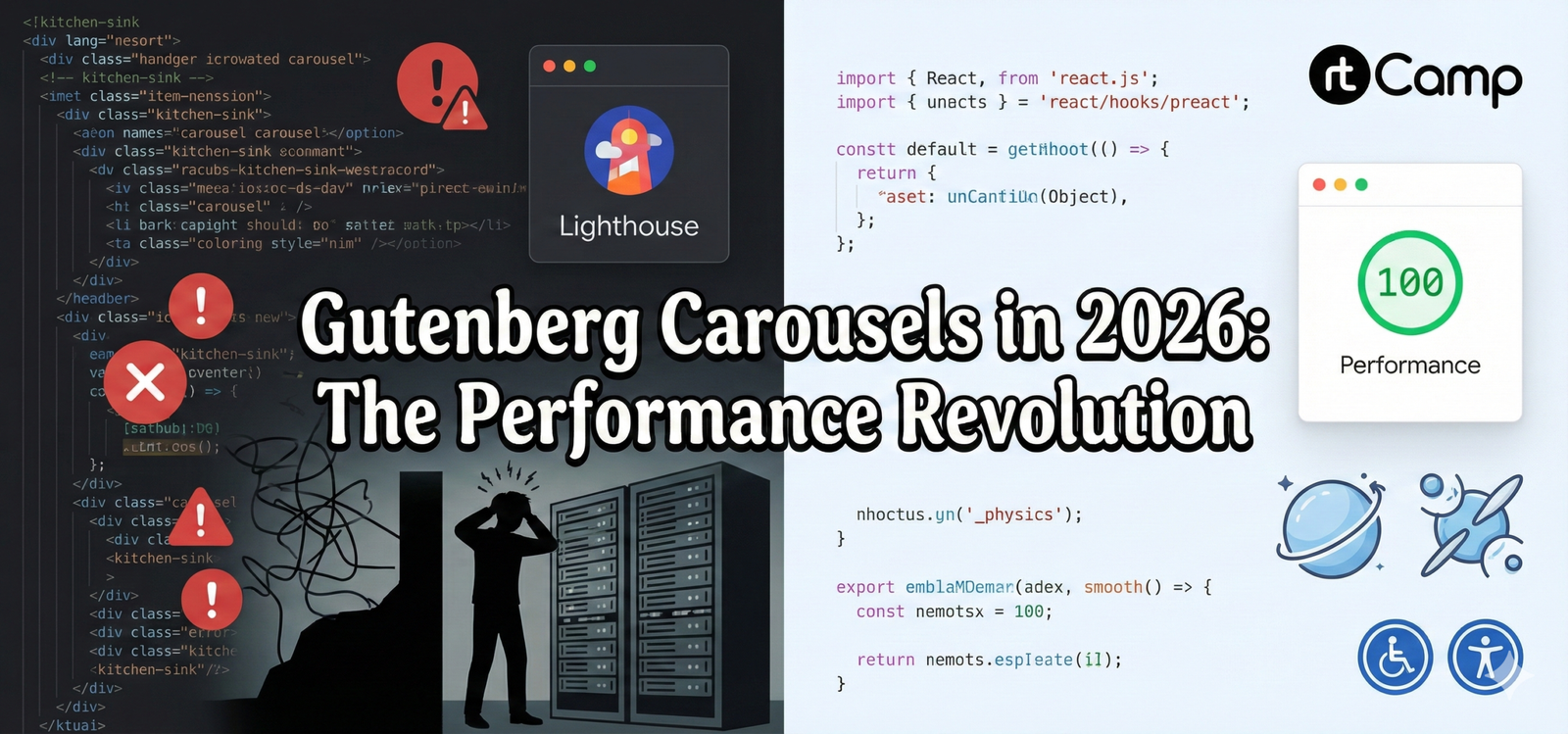
If you’ve spent any time building custom Gutenberg blocks, you know the “Carousel Curse.” You find a library that looks great in a demo, but the moment you drop it into the WordPress editor, your Lighthouse score plummets, and your console fills with layout shift warnings. You end up in a deep rabbit hole—and climbing…
-
Updating User Roles in PostgreSQL with Enum Types
When working with a PostgreSQL database that uses enum types for specific fields like user roles, it’s crucial to ensure that the values you want to update are valid for that enum type. In this blog post, we’ll walk through the steps to update a user’s role in a PostgreSQL database, and how to troubleshoot…
-
WordPress Site Editor, Theme Blocks, and Block Theme Setup
With the introduction of Full Site Editing (FSE) in WordPress, the way we design, build, and manage themes has transformed significantly. The Site Editor, Theme Blocks, and Block Themes are at the heart of this revolution, giving users and developers new, intuitive tools for creating highly customizable websites. In this blog, we’ll explore these features…
-
Understanding Full Site Editing (FSE) in WordPress
With the introduction of Full Site Editing (FSE), WordPress continues to evolve, offering greater flexibility and control for both developers and content creators. FSE, built on the foundation of the Block Editor, empowers users to edit and customize every aspect of their website using blocks, transforming the way WordPress themes and templates are created and…
-
Registering a Custom Post Type & Restricting Access in WordPress
In this blog, we’ll take a deep dive into the process of registering a custom post type (CPT) in WordPress and managing access restrictions. We’ll walk through the code to register the CPT “Custom Posts” (slug: rt-custom-posts) and restrict access to Gutenberg, with custom columns for post metadata. We will explore each function used to…
-
Understanding Blocks in WordPress: Server-Side vs Client-Side Rendering
Dynamic blocks in WordPress offer flexibility by allowing the block’s content to be rendered dynamically, as opposed to static blocks which have a predefined structure and content. This approach is essential when working with content that needs to be updated based on external data or user interaction, such as displaying the latest posts or filtering…
-
Slot Fills and Extending the Editor UI in WP
When developing custom WordPress blocks or adding extra functionality to the block editor, you may encounter the need to enhance the editor interface in ways that go beyond just creating blocks. WordPress offers a powerful solution for this: Slot Fills. They allow developers to insert custom UI components into specific areas of the block editor.…
-
Exploring Gutenberg in WordPress: Block Editor, Widgets, and Toolbar Components
The Gutenberg block editor has revolutionized how WordPress users create and manage content. Introduced in WordPress 5.0, it simplifies the process of designing websites by allowing users to drag-and-drop content blocks, add widgets, and use an intuitive toolbar for formatting. This post will delve into key aspects of Gutenberg: Notices, Formatting Toolbar, Widgets, the Rich…
-
Block Editor Support and Custom Blocks
1. Adding Theme Support for the Block Editor The Block Editor brings flexibility to WordPress themes by allowing users to arrange content via blocks. For theme developers, ensuring that the editor looks and functions in a way consistent with the front end is essential. Basic Block Editor Support You can enable theme support for the…
-
Understanding Blocks in WordPress Block Editor
The WordPress Block Editor, introduced in WordPress 5.0, revolutionized content creation by allowing users to build posts and pages using a block-based approach. This system enhances flexibility and creativity, making it easier for both developers and non-developers to design their content. In this blog post, we’ll explore the various types of blocks available, how to…